A diary becomes a different product as it gets older.
At first, the important thing is simply being able to write about today. After a few months or a few years, though, another question starts to matter: how should all of those entries come back to you?
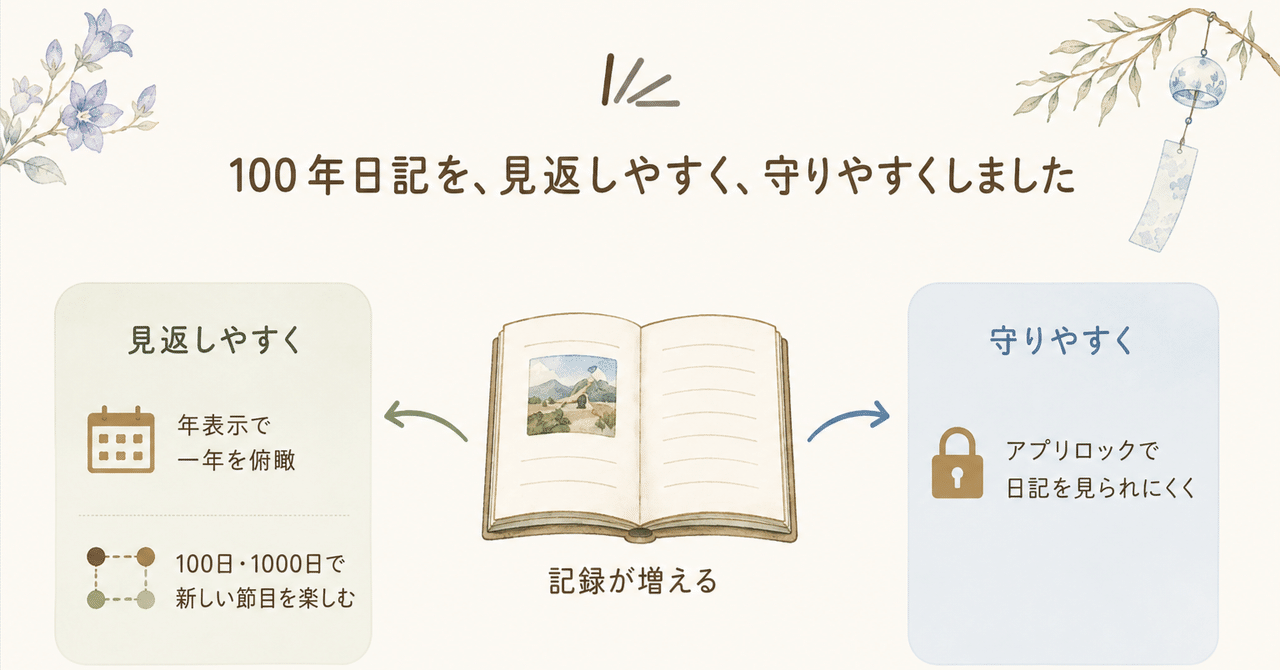
100 Year Diary began as a journal for placing entries from the same month and day next to each other across different years. I recently added two more ways to revisit the past: every 100 days and every 1,000 days.
Ordinary days can become milestones later
Some dates are special from the beginning: birthdays, anniversaries, holidays.
Other dates become meaningful only in hindsight. It might be the day you started something, the first time you visited a place, or a small change in your daily life. You probably did not mark it as an anniversary when it happened.
But 100 or 1,000 days later, reading that entry can create a surprising sense of distance: Has it really been that long?
That is why the Today screen can now show entries from 100, 200, 300 days ago, or from 1,000, 2,000 days ago, and so on.
A month, a year, 100 days, and 1,000 days each cut time differently. A month ago still feels recent. A year ago is useful for comparing seasons and recurring events. A hundred or a thousand days creates a less obvious connection with the past.
Instead of asking only “What happened on this date before?”, the diary can also ask “What was happening this far back in my life?”
Looking at a whole year at once
Revisiting a diary does not always have to mean reading text one entry at a time.
The Calendar now has a yearly view that puts all 12 months on one screen. It makes it easier to see when you wrote often, where gaps appeared, and which periods have photos attached.
For days with a photo, the yearly calendar uses a color sampled from that image rather than squeezing a tiny thumbnail into each date cell. A thumbnail that small would reveal very little. A color mosaic works better as a distant view of a whole year: it says that a photo exists, and it gives the calendar some of the atmosphere of that period without trying to turn it into a photo gallery.
When a month catches your eye, you can move into the monthly calendar and open the actual entries.
A growing diary also needs protection
The more personal history a diary contains, the more important it becomes to control when other people can open it.
100 Year Diary stores diary content on the device, but that alone does not help if you hand your unlocked phone to a family member or a friend.
So I added an optional app lock. It uses the authentication method already configured on the device, such as Face ID, Touch ID, fingerprint authentication, or the device passcode. There is no separate password for the diary to remember.
The lock is off by default. It is there for people who want another boundary around a private app.
I want the reading experience to grow with the diary
I still think the writing side of a diary should stay simple. Adding more controls to the editor does not necessarily make it easier to keep a journal.
But the value of a long-running diary is not created only while writing. It also comes from the different ways old entries can reappear.
Last year on this day. Last month on this day. One hundred days ago. One thousand days ago. A whole year at a glance.
The entries themselves have not changed, but changing the distance from which you look at them can change what you notice. That is the part of 100 Year Diary I want to keep developing without making the act of writing heavier.